
AI Video Editing Studio is marketed as an all-in-one, browser-based video workspace that combines a multi-track editor with AI tools for video generation, captions, voiceovers, background removal, music, and sound effects. The idea is appealing: instead of switching between several apps to finish one video, creators can work from a single dashboard. But does the offer make sense, what is actually included, and is the advertised one-time price worth considering? This AI Video Editing Studio review examines the vendor’s claims, published pricing, likely use cases, limitations, and alternatives so you can make a more informed decision.
Review transparency: This is an evaluation of the official AI Video Editing Studio sales page and available independent launch coverage, not a hands-on product test. I have not purchased an account or independently verified the editor’s performance, AI output quality, export speed, or commercial license. Treat feature descriptions and performance promises as vendor-advertised until you can confirm them inside the product.
View AI Video Editing Studio Offer
What Is AI Video Editing Studio?
AI Video Editing Studio is presented as a web-based video editing and production platform associated in launch coverage with creator Uddhab Pramanik and InSource Apps. Its main proposition is to put a traditional timeline editor and several AI-assisted production tools in one browser-based environment. The vendor says users can access it from Windows, Mac, and Chromebook computers without installing a large desktop application.
The central editor is described as a multi-track workspace for video, audio, text, and images. Users are expected to upload their own media, choose items from a built-in stock library, or generate some content with AI, then arrange clips and layers on a timeline. The sales page also describes common editing actions such as cutting, trimming, splitting, layering, adding titles, and applying transitions.
Alongside the editor, the offer advertises AI video generation, automatic captions, text-to-speech voiceovers, background removal, music generation, and sound-effect generation. If these tools work as described and are available in the edition purchased, the combined workflow could be useful to people who regularly create social videos, promotional clips, tutorials, and short-form content.
It is important to distinguish the product’s positioning from proof of professional equivalence. The page compares the workflow with established editors such as Adobe Premiere Pro, Final Cut Pro, and CapCut. That comparison communicates the intended editing style; it does not establish that every advanced feature, codec, effect, color tool, collaboration feature, or performance level matches those products.
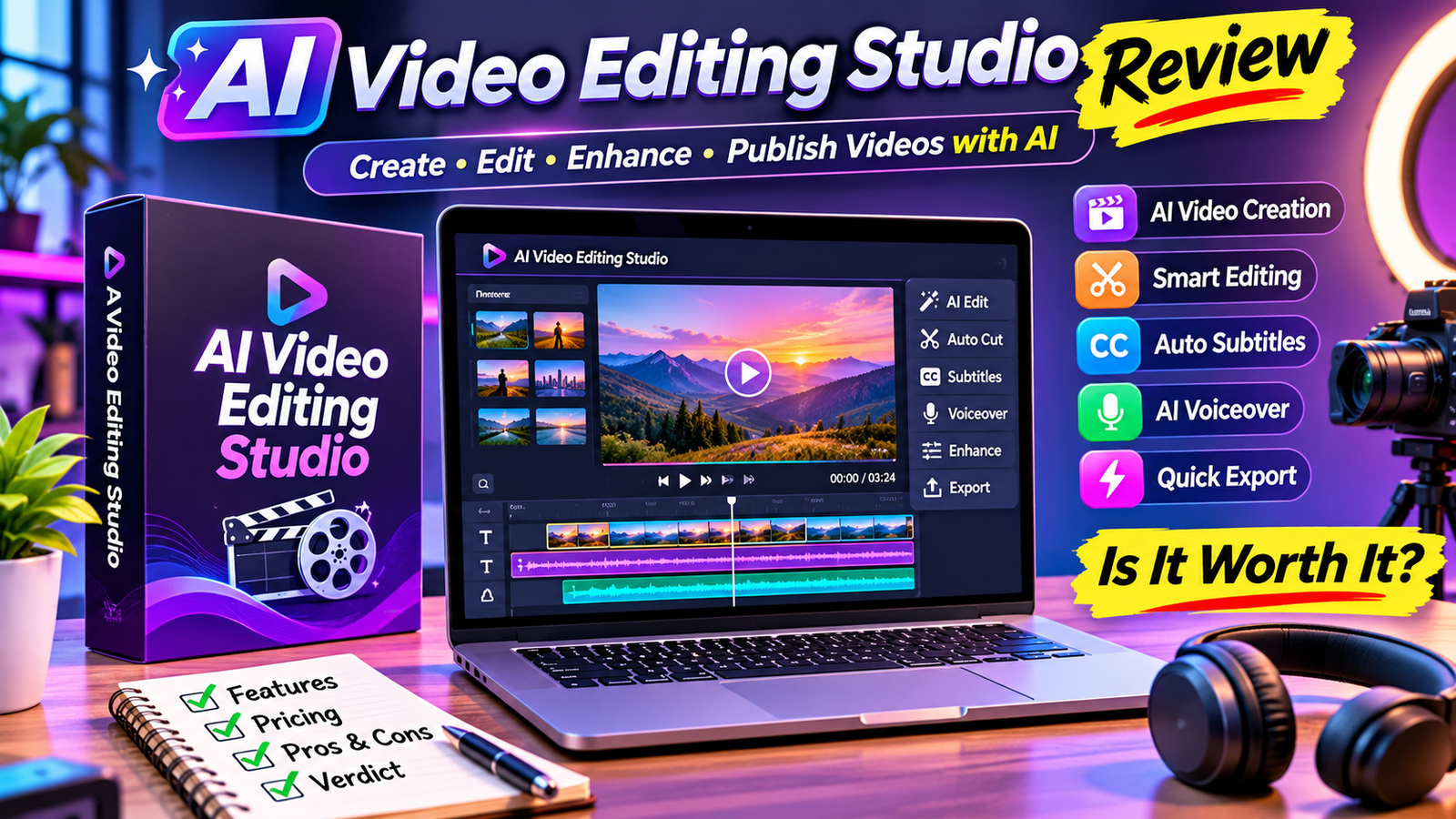
Key Features: What the Sales Page Advertises
1. Browser-Based Multi-Track Timeline
The timeline is the foundation of the product. According to the sales page, it supports multiple tracks for video, audio, text, and images, allowing users to place and arrange different elements in a project. Editing actions listed include cut, trim, split, layer, arrange, and fine-tune. This is more flexible than a basic template-only video maker because the user is expected to control the order and timing of individual elements.
2. AI Video Generator
The vendor says users can turn an idea or prompt into a video clip and place the result directly on the editing timeline. This could help when a project needs illustrative footage, a visual opener, or a short supporting scene but the creator has no suitable clip available. It may also help beginners move from a written concept to a rough visual draft.
3. Automatic Captions
AI auto captions are promoted as a one-click way to convert speech into timed subtitles. Captions are useful for viewers watching without sound, for accessibility, and for social platforms where on-screen text can help communicate a message quickly. A built-in caption tool could reduce the need to type every line and synchronize it manually.
4. AI Voiceovers
The sales page describes a text-to-speech feature that turns a written script into a voiceover, reducing the need for a microphone or recording booth. This could suit faceless videos, explainers, product demonstrations, and draft narration. It may also help creators who do not want to record their own voice.
5. Background Removal
AI background removal is advertised as a way to isolate a person or subject without a physical green screen. If the result is clean, it can help create product demonstrations, talking-head videos, and simple virtual-background scenes. This feature is especially attractive to creators who record in a home or office environment.
6. AI Music and Sound Effects
The platform promotes generated background music and sound effects for videos. Having audio tools close to the editor could reduce app switching and make it easier to add atmosphere, transitions, and emphasis. Creators should nevertheless confirm the license attached to generated audio, especially for monetized videos, client projects, paid advertisements, and distribution on multiple platforms.
7. Stock Media and Personal Uploads
The vendor says the dashboard includes stock video, images, and audio, while also allowing users to upload their own clips, images, logos, and audio. This combination can be useful when a project needs a mixture of original footage and supplementary visuals. Before publishing, verify the stock library’s permitted uses, attribution requirements, and any restrictions on redistribution or resale.
8. Titles, Transitions, Aspect Ratios, and Export
The sales page mentions text overlays, titles, lower-thirds, transitions, and landscape, vertical, or square video formats. Those formats are relevant to YouTube, Shorts, Instagram Reels, TikTok, Facebook, and other placements. It also describes exporting finished projects for publishing or client delivery. The exact export resolution, frame-rate options, file formats, watermark rules, and maximum project length should be confirmed before purchase; the public page does not provide a complete technical specification for every setting.
Explore the AI Video Editing Features
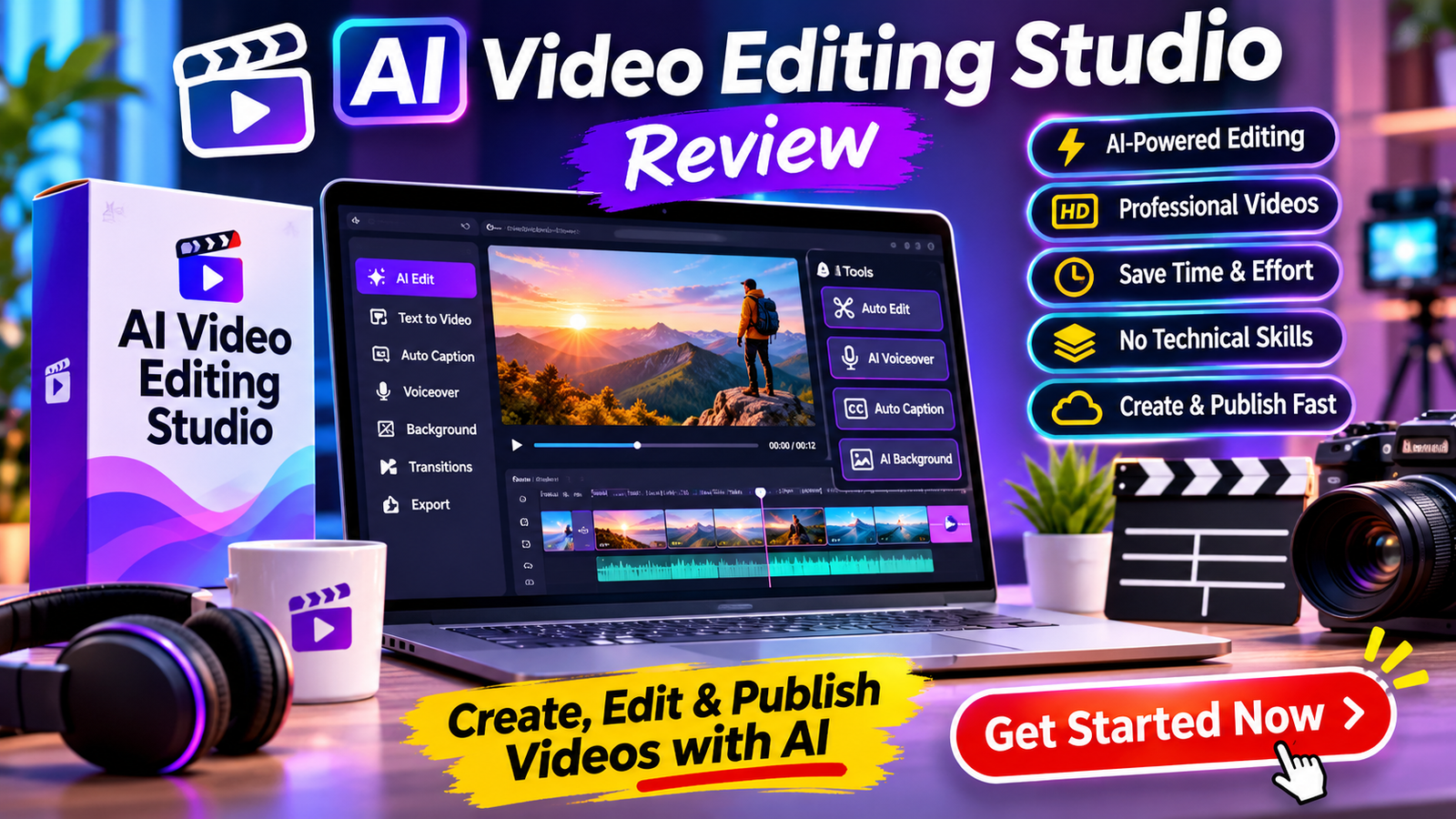
How the Workflow Is Supposed to Work
Do not assume that “three steps” means the entire production process is automatic. Good videos still need a clear message, a script, sensible scene choices, pacing, brand consistency, and a final quality check. AI can assist with repetitive production tasks, but a human editor remains responsible for the story and the finished result.
Who May Benefit From It?
- Social media creators: People producing Reels, Shorts, TikTok clips, and Facebook videos may value a single place for editing, captions, and audio.
- Affiliate marketers: Marketers creating product explainers, review clips, and simple ad creatives may find the combined workflow useful, provided the license and platform policies permit their intended use.
- Small businesses: Local businesses can use video for service introductions, offers, customer education, and event recaps. They should still review claims, branding, and rights before publishing.
- Freelancers: Editors who already understand video production may use browser-based tools for simple client deliverables, but should test reliability and export quality before promising turnaround times.
- Educators and trainers: Captions, narration, and visual clips can support lessons and explainers. Accuracy and accessibility checks remain essential.
- Beginners: A guided workflow may feel less intimidating than a professional desktop editor, although beginners should expect a learning period.
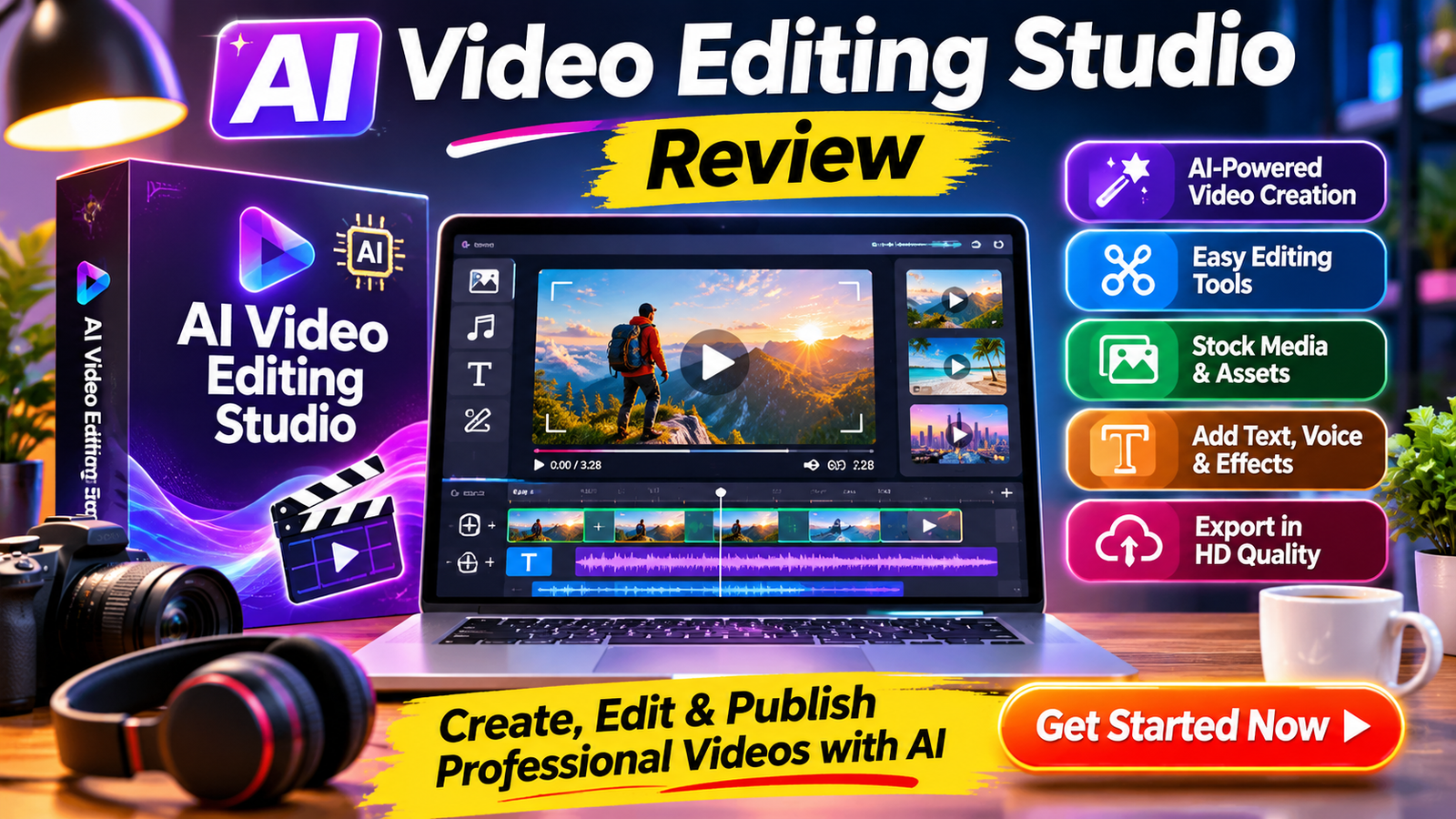
Drawbacks and Questions to Consider
- Claims need real-world testing: The public page makes broad statements about professional editing and AI features, but no independent performance test is included in this review.
- Browser performance can vary: Large projects, high-resolution footage, and slower connections may affect the experience.
- AI output needs supervision: Captions, voiceovers, generated video, music, and background removal can all require correction.
- Technical details are limited: Buyers should confirm resolution, codecs, export restrictions, project storage, file-size limits, and supported browsers.
- “Unlimited” requires clarification: The sales page uses unlimited language for several components. Ask whether fair-use limits, credit limits, queue limits, or third-party service restrictions apply.
- Commercial rights need careful reading: Confirm what the license covers for client projects, stock assets, AI-generated content, music, voices, and paid advertising.
- It may not replace a professional editor: Complex projects can require more control and mature workflows than a low-cost browser tool provides.
Pricing: What Does AI Video Editing Studio Cost?
At the time this review was prepared, the official sales page displayed a front-end price of $14.95 as a one-time payment. The page also compares that amount with a claimed regular price of $597 per month and promotes the offer as a limited-time discount. Promotional reference prices and countdowns are marketing claims; they do not establish the product’s typical market value. The checkout page is the best place to confirm the amount you will actually pay.
The sales page describes lifetime access to the front-end edition, core updates, the timeline editor, AI video generation, captions, voice, background removal, AI music, sound effects, a stock library, uploads, multiple formats, commercial licensing, and training. Because the complete feature and usage terms are not independently verified here, do not assume that every advertised item is unrestricted or that “lifetime” means every future feature will be included forever.
The page also advertises a 30-day money-back guarantee. Read the written refund terms at checkout, including the request process, eligible purchases, and any exclusions. Keep your receipt and order details. The sales page’s guarantee statement should not replace checking the actual policy.
| Offer detail | Publicly advertised information | What to verify |
|---|---|---|
| Front-end | $14.95 one-time | Final checkout total, taxes, currency, and included features |
| Access | Lifetime access is advertised | Definition of lifetime, hosting availability, and updates |
| AI tools | Video, captions, voice, background removal, music, and effects | Credits, fair-use limits, processing limits, and third-party costs |
| Commercial use | Commercial license is advertised | Written license scope and asset-specific rights |
| Refund | 30-day guarantee is advertised | Actual written refund conditions and exclusions |
Optional upgrades may be presented during checkout. I could not verify a complete, authoritative current price list for every add-on from the official page, so I am not listing unconfirmed upgrade prices. Review each order-bump or upgrade separately and only add it if you understand what it provides and need it.
Check the Current Price and Checkout Details
Is It a Good Value?
At the advertised $14.95 entry price, the offer may be worth investigating for someone who needs a basic editor and wants to experiment with AI-assisted production. The value depends less on the number of feature names on the page and more on whether the application performs reliably, the included limits match your workload, and the license covers your intended use.
AI Video Editing Studio vs. Popular Alternatives
AI Video Editing Studio competes with several different types of products: full desktop editors, social-first editors, and browser-based editing services. These are not identical categories, so the best choice depends on the work you need to complete.
| Tool | General positioning | Where it may be stronger | Trade-off to consider |
|---|---|---|---|
| AI Video Editing Studio | Browser timeline editor with advertised built-in AI tools | Bundled workflow and one-time front-end offer | Verify real output quality, limits, and technical specifications |
| Adobe Premiere Pro | Professional desktop video editing | Advanced editing ecosystem and detailed control | Subscription pricing and a more involved learning curve |
| Final Cut Pro | Professional editing for Apple users | Deep editing workflow and Mac integration | Requires Apple hardware and a different workflow |
| CapCut | Accessible short-form and social video editing | Fast social content workflow and familiar templates | Feature availability and plan terms can vary by platform and region |
| VEED | Browser-based video editing and online tools | Online editing and creator-oriented features | Plan limits, exports, and pricing need comparison |
For more background on AI video products, see our AI VideoSongs review and ColorReel Studio review. Those products have different creative goals, so compare the actual workflow you need rather than assuming one tool is a direct substitute for another.
Who Should Consider Buying It?
AI Video Editing Studio may be worth a closer look if you are a beginner or solo creator who wants a single online workspace for basic editing and several AI-assisted tasks. It may also interest affiliate marketers, small businesses, educators, and freelancers who produce short promotional videos and can verify that the product’s license and output quality meet their needs.
Frequently Asked Questions
What is AI Video Editing Studio?
It is marketed as a browser-based video editor with a multi-track timeline and built-in AI tools for video generation, captions, voiceovers, background removal, music, and sound effects.
Does it require installation?
The vendor says it runs in a web browser and does not require a desktop installation. A compatible, up-to-date browser and a reliable internet connection are still important.
How much does it cost?
The official page displayed a $14.95 one-time front-end price when checked for this review. Prices and checkout options can change, so confirm the final total on the official page before ordering.
Does it include AI captions and voiceovers?
Yes, both are listed among the advertised features. Their accuracy, language support, voice selection, and usage limits should be tested inside the account.
Can I use it for client projects?
The vendor advertises a commercial license. Read the actual license to confirm which services, assets, AI outputs, and client-delivery activities are permitted.
Does it replace Adobe Premiere Pro or Final Cut Pro?
Not necessarily. The product is marketed as a simpler all-in-one browser editor, but the public claims do not prove that it matches the advanced capabilities of professional editing applications.
Is there a money-back guarantee?
The official sales page advertises a 30-day money-back guarantee. Read the written refund policy and checkout terms to understand how it works.
Final Verdict: Is AI Video Editing Studio Worth It?
AI Video Editing Studio has an appealing concept: combine a browser-based timeline editor with AI video generation, captions, voiceovers, background removal, music, and sound effects. For creators who want a compact workflow for short videos, the advertised feature mix and $14.95 one-time front-end offer may justify investigating the product.
However, the biggest questions are practical ones. How well does the timeline handle real projects? How accurate are the AI tools? What export settings are available? Are the stock and AI assets cleared for commercial use? Do “unlimited” claims have fair-use restrictions? Those points matter more than promotional comparisons with established editors, and they should be checked before depending on the software for paid work.
My verdict: Consider AI Video Editing Studio as a low-cost tool to test for beginner and intermediate video workflows, not as a proven replacement for a professional editing suite. Start with a small project, verify the license and limits, and keep your existing editor available until the results meet your standards. If the live checkout terms and real output fit your needs, it could become a useful addition to your content toolkit.
Visit the Official AI Video Editing Studio Offer
Affiliate Disclosure
This article contains an affiliate link. If you purchase AI Video Editing Studio through the link on this page, Top10ReviewPoint may earn a commission at no additional cost to you. This does not change our goal of providing clear, balanced information. Always review the official product page, checkout details, license, and refund terms before making a purchase.