
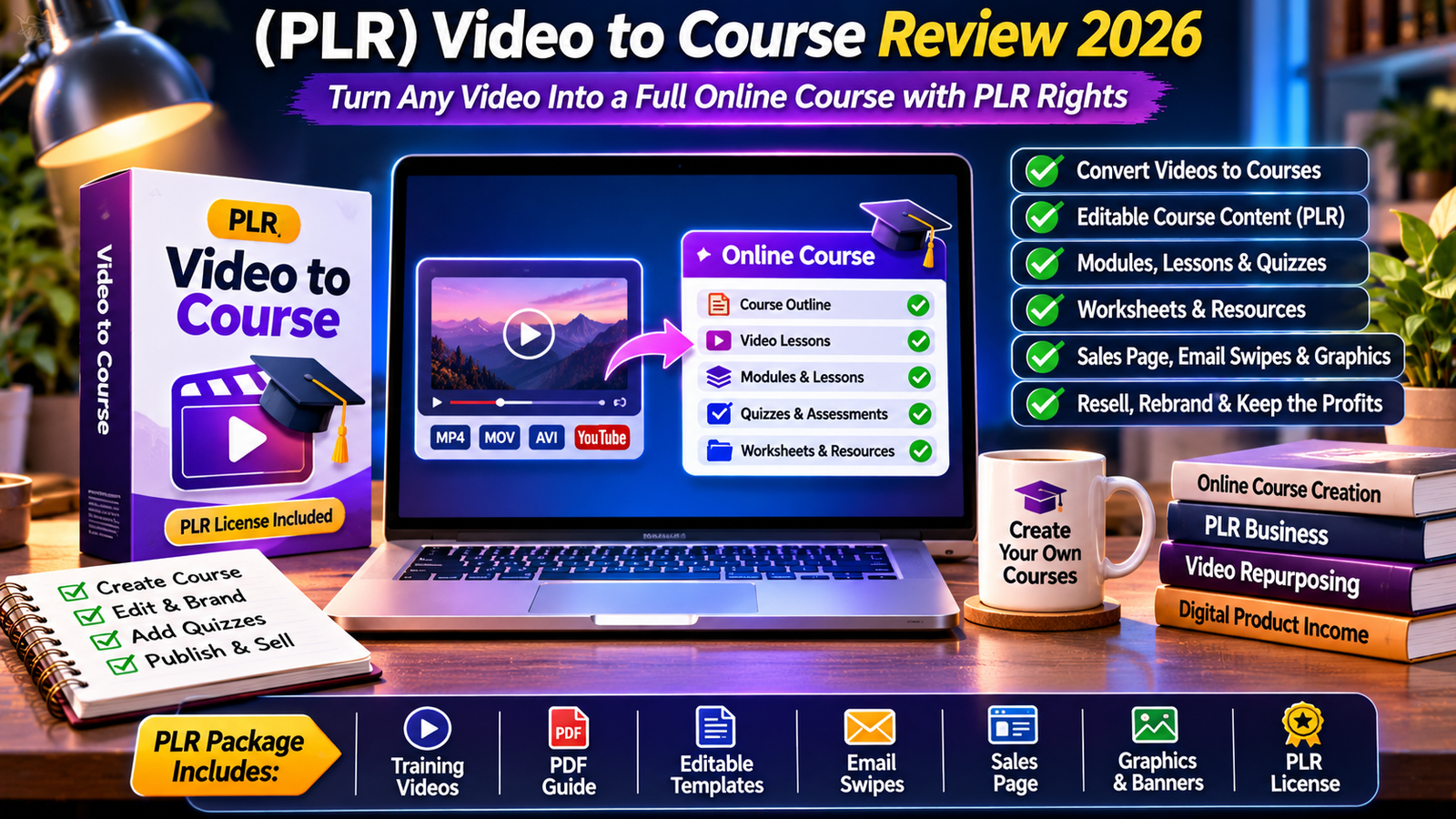
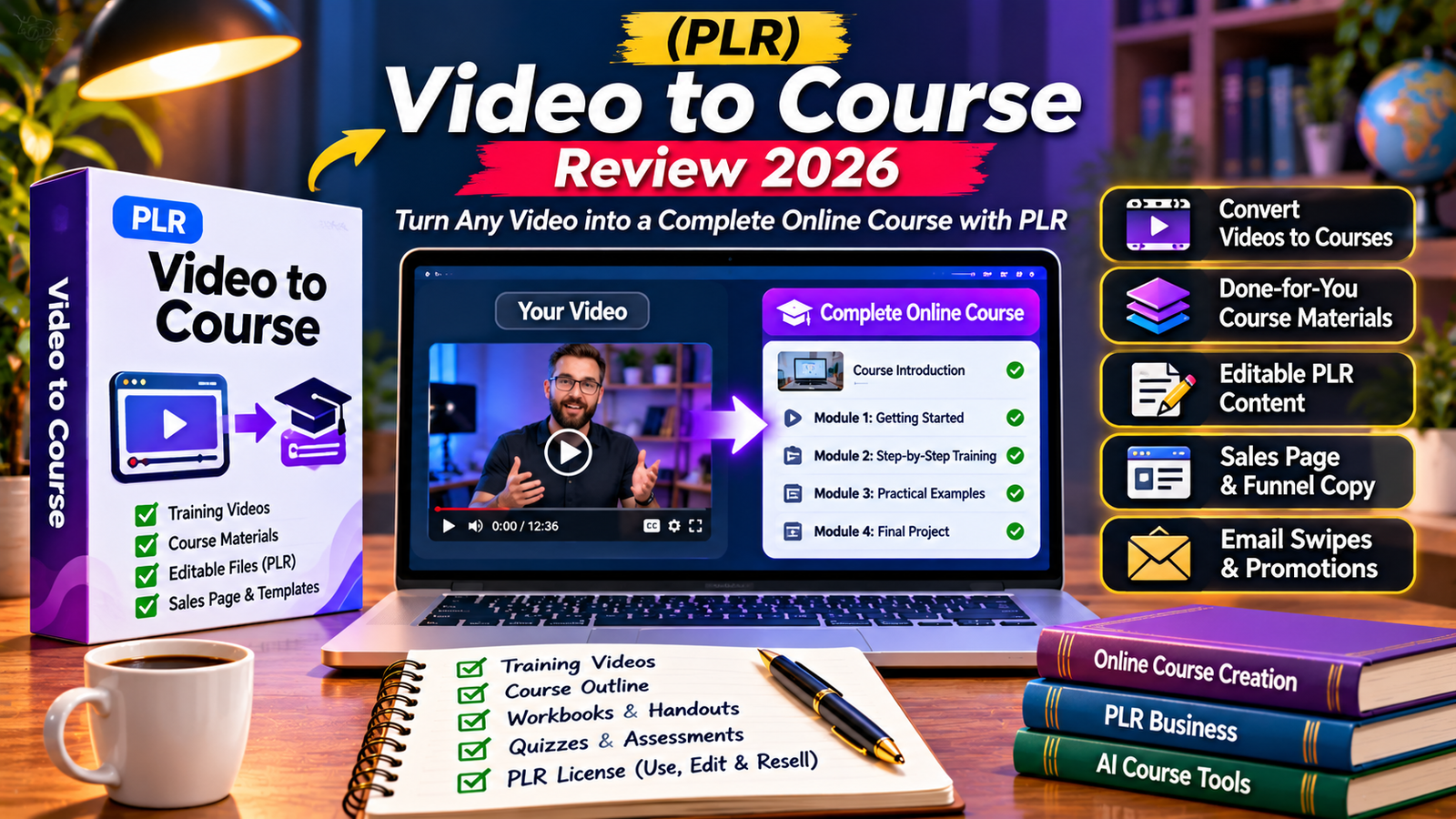
(PLR) Video to Course is a PLR Mate offer positioned around turning video-based knowledge into online course material. It is aimed at creators, coaches, educators, and digital-product sellers who want to repurpose recordings rather than build every course asset from a blank page. The core idea is useful: existing videos may contain valuable lessons, but they often need structure, explanations, and a clear learning path before they become a course.
There is an important research limitation. The supplied official product page could not be retrieved by the research browser, and PLR Mate’s public catalog does not provide a readable specification for this exact product. This review therefore separates what can be verified from the launch listing and PLR Mate’s general positioning from details buyers must confirm. This is a research-based review, not a claim of hands-on testing.

(PLR) Video to Course at a Glance
- Product: (PLR) Video to Course
- Vendor: PLR Mate, according to the launch listing
- Category: Software & SaaS / content repurposing
- Core concept: Turn video material into online course content
- Business angle: PLR offer; exact license scope needs confirmation
- Reported launch price: $9.95 in third-party launch-calendar listings; current checkout price unverified
- Testing status: Research-based assessment; no hands-on testing claimed
What Is (PLR) Video to Course?
The product’s name and launch listing identify it as a video-to-course offer. Its intended audience is likely people with useful recordings—tutorials, webinars, interviews, demonstrations, or training sessions—who want to turn that material into a structured learning resource.
A video is usually linear: viewers watch from beginning to end. A course needs a learning path, with an outcome, lessons arranged in a logical order, supporting explanations, and ways to check understanding. Converting one format into the other involves more than placing a video inside a course page. The material must be organized around what a learner should know or be able to do.
PLR Mate’s public website describes its broader business model as providing digital products customers can use, rebrand, and sell under their own names. This is relevant context for the PLR positioning, but it does not establish the exact rights included with Video to Course. Buyers should not assume every PLR Mate product has identical permissions or deliverables.
How a Video-to-Course Workflow Should Work
A sensible workflow begins with choosing source recordings. The creator selects videos relevant to one learning outcome and checks that the audio is understandable, the subject is focused, and the material can legally be reused. Long recordings may need to be split into topic-based sections.
The next stage is instructional organization. A creator identifies the main topics, arranges them into modules, writes lesson objectives, and decides what learners should do after each lesson. A transcript can preserve the speaker’s ideas, but it may contain repetition, digressions, unfinished sentences, or references to visuals that are unclear in text.
After the structure is ready, the creator reviews the lesson material and adds missing context. A useful course should not simply reproduce every spoken word. It should help learners understand key concepts, follow a sensible sequence, and apply what they have learned. Examples, exercises, checklists, worksheets, quizzes, and short assignments may improve the experience when appropriate.
Finally, the creator decides where the course will live. Course content and a hosted learning platform are not the same thing. A product may help prepare lessons without providing student accounts, payment processing, progress tracking, certificates, or a complete learning management system. These capabilities must be confirmed separately.
What We Can and Cannot Confirm About Its Features
Video-to-course positioning
The product title and third-party launch listing support the broad positioning: video-to-course content creation. The listing does not provide a detailed technical specification, supported file formats, maximum upload size, processing limits, or an exact list of generated course assets.
PLR Mate product ecosystem
PLR Mate’s public catalog presents content-repurposing and digital-product offers. Its general positioning emphasizes products buyers can use, rebrand, and sell. That suggests the vendor serves digital-product marketers as well as end users. However, the catalog’s general statements should not be treated as the exact Video to Course license.
Course structure and editing
A useful course output would normally include an outline, modules, lessons, and supporting explanations. Quizzes, worksheets, slides, and downloadable resources may add value. These are sensible items to look for, but they are not confirmed deliverables for this offer based on the sources available. Whether the product includes an internal editor, editable source files, export options, or a rebranding interface also remains unverified.
Potential Benefits for Creators and Marketers
More value from existing recordings: A creator may have already invested time in tutorials, webinars, or training videos. Repurposing them into lessons can reach people who prefer structured learning or downloadable resources.
A starting point for course development: A first outline may reduce the blank-page problem. A draft structure is easier to review than an empty course plan, provided the creator checks accuracy and instructional quality.
Support for multiple formats: Course material can potentially become a companion guide, checklist, email lesson, or lead magnet. See our related Video to Ebook review for another video-repurposing approach; it is a separate product, not the same tool.
Possible PLR business use: If the supplied license permits rebranding and resale, buyers may be able to package the product for a niche audience or include it in a related offer. The exact license is essential because PLR terms vary.
Useful for subject-matter experts: Coaches, consultants, educators, and service providers often explain the same process repeatedly. A well-structured course can make that knowledge easier to deliver consistently, but the creator still needs to check the learning experience.
Limitations and Risks to Consider
- Limited documentation: The official product page could not be retrieved, so exact features, formats, limits, and deliverables remain unverified.
- Unconfirmed license terms: Permissions for rebranding, resale, bundling, client work, source-file access, and sublicensing were not available for review.
- Course quality requires human input: A transcript or automated outline does not automatically become a coherent course. Lesson sequencing, learning objectives, examples, and assessments need review.
- Video rights matter: Buyers must own or have permission to use source recordings. A PLR license for a tool does not grant rights to videos owned by someone else.
- Hosting may be separate: Do not assume the offer includes a learner-facing platform, payment gateway, student management, analytics, or certificates.
- Price can change: The $9.95 figure is a launch-listing reference, not a verified current checkout price.
Pricing: How Much Does It Cost?
A third-party launch calendar lists PLR Mate’s Video to Course offer at $9.95. This is a launch-listing reference, not confirmation of the current sales-page or checkout price. Digital product offers may use introductory pricing, dime-sale increases, optional upgrades, or changing bonuses.
Before buying, check the vendor’s offer and WarriorPlus checkout for the final amount, currency, whether payment is one-time or recurring, and whether upgrades are preselected. Confirm which files and rights are included in the front-end purchase. Do not assume a launch price includes every optional upgrade or that a PLR license automatically covers all commercial uses.
Also account for tools you may need separately. If the offer provides course content but not hosting, you may need a learning management system or website. Video editing, transcription, slide design, and email delivery may also create extra costs.
Who May Benefit from Video to Course?
- Coaches and consultants: People with recorded lessons or workshops who want to organize their expertise into a course.
- Educators and trainers: Instructors who have permission to reuse recordings and want a structured learning resource.
- Content creators: YouTubers and tutorial creators looking to repurpose existing material.
- Digital-product sellers: Marketers investigating a PLR product in the online education niche, subject to the actual license.
- Small businesses: Teams turning internal demonstrations or process recordings into training resources.
It may be less suitable for users who need a full learning management system with enrollment, course delivery, reporting, grading, certificates, and payments unless those features are explicitly included. It may also be unnecessary for someone with only one short recording and no ongoing need to create courses.
Video to Course vs. Other Course-Creation Tools
Several established platforms offer video-to-course or AI-assisted course-building workflows. They illustrate the difference between a PLR launch offer and a hosted course platform.
| Tool | Publicly described capabilities | Potential fit |
|---|---|---|
| (PLR) Video to Course | Launch listing identifies a PLR Mate video-to-course offer; detailed specification not verified | Buyers investigating a PLR course-creation offer |
| Docsie Learn | Turns videos or documents into lessons and quizzes; supports editing, enrollment, progress tracking, certificates, and SCORM export | Teams needing course creation and learner delivery |
| Vonza AI Course Creator | Describes video transcription, lesson splitting, module grouping, and quiz drafting | Creators seeking an integrated course workflow |
| Coursebox | Builds course drafts from topics or uploaded material, with editing, quizzes, video, and interactive content | Users wanting AI-assisted course creation and branded delivery |
| 5Mins AI Studio | Creates multi-lesson courses from documents or videos, with editing, assignment, and SCORM export | Organizations building workplace training |
Docsie Learn describes a workflow that starts with a training video or manual, creates lessons and quizzes, and lets authors edit, enroll learners, track completion, award certificates, and export SCORM 1.2. Its published feature set is clearer for organizations needing both content creation and course delivery.
Vonza describes an AI course creator that transcribes recordings, splits them into lessons, groups lessons into modules, and drafts quizzes. Its all-in-one positioning may appeal to creators who want one environment for course building and publishing.
Coursebox describes AI-generated course drafts, editing through a drag-and-drop builder or chat, and learner engagement features such as quizzes and interactive content. Its public site also describes branded delivery and payment options.
5Mins AI Studio describes turning documents and videos into multi-lesson courses with narration, images, and quizzes, then editing and assigning or exporting the result. It is positioned more toward structured workplace training.
These are not direct price-equivalent comparisons. They are hosted or subscription services with publicly described course-delivery functions, while Video to Course is being evaluated as a PLR launch offer whose exact software scope and license remain unconfirmed.
How to Evaluate a Video-to-Course Product Before Buying
Before buying, ask whether the product accepts uploaded files, video links, or transcripts; check file limits and supported languages; and inspect whether it produces only an outline or complete lesson drafts. Confirm editing and export options, included assessments, and whether the output can be imported into your preferred learning platform. Review the written license for commercial use, rebranding, client delivery, resale, bundling, and transfer of rights. Verify whether hosting, updates, and support are included.
Pros and Cons
Potential Pros
- Targets a useful content-repurposing need: turning video material into course content.
- May appeal to creators who already have recordings and want structured learning resources.
- PLR positioning may interest digital-product sellers if the license supports their intended use.
- Third-party launch listings show a low introductory price reference of $9.95.
- Could complement an existing content or course business if the deliverables are suitable.
Potential Cons
- Official product page and detailed specification could not be independently retrieved.
- Exact features, supported formats, output types, and usage limits remain unverified.
- Current checkout price and optional upgrades are not confirmed.
- PLR rights and resale restrictions need to be checked in the actual license.
- Course hosting and learner-management features are not confirmed.
- Human review is necessary for accuracy and instructional quality.
Frequently Asked Questions
What is (PLR) Video to Course?
It is a PLR Mate offer listed under the name Video to Course. Its broad positioning is video-to-course content creation, but the detailed product specification was not accessible during this review.
Does it convert any video into a complete online course?
The product name and launch listing suggest that purpose, but the exact workflow and output have not been independently verified. Confirm accepted inputs and generated assets with the vendor.
Does the purchase include full PLR rights?
The offer is identified as a PLR product, but the precise license terms were not available. Check whether you can rebrand, resell, bundle, use for clients, and transfer rights to customers.
How much does Video to Course cost?
A third-party launch calendar lists $9.95. This is not a verified live checkout price. Check the current sales page and WarriorPlus checkout before purchasing.
Can I use it to create courses for clients?
That depends on the license. Do not assume client work or resale is allowed until the written terms explicitly cover those uses.
Does it include course hosting?
Hosting, student enrollment, progress tracking, payment processing, and certificates were not confirmed in the sources available for this review. Ask the vendor before treating it as a complete LMS.
Is Video to Course better than Docsie, Vonza, or Coursebox?
They have different positioning. Docsie, Vonza, and Coursebox publicly describe broader course creation or delivery capabilities. Video to Course may appeal to PLR buyers, but a fair feature comparison requires its exact specification and license.
Do I need to edit the course after conversion?
Yes. Course material based on recordings should be checked for accuracy, lesson order, useful examples, and appropriate assessments. A generated draft should not be published without review.
Final Verdict: Is (PLR) Video to Course Worth Considering?
(PLR) Video to Course addresses a practical need: turning existing video knowledge into structured learning content. For creators, coaches, and digital sellers, the concept is relevant because it can help repurpose material that has already been recorded. The PLR positioning may add value for buyers who want to use a product in a business, but only if the license grants the rights they need.
The main issue is verification. The official product page could not be retrieved, so the exact feature set, accepted video formats, course outputs, hosting capabilities, support, updates, refund terms, and license wording remain unconfirmed. The $9.95 amount is a third-party launch listing rather than a confirmed current price. We cannot responsibly recommend it as a fully featured course platform or promise that it produces a complete course without manual work.
Our recommendation: Treat Video to Course as an offer worth investigating, not an automatic purchase. Before checkout, ask the vendor for a current feature list, sample output, license certificate, and written confirmation of the rights and hosting requirements. If you need a complete course delivery system, compare Docsie Learn, Vonza, Coursebox, and 5Mins AI Studio using the features you actually need.
Visit the Video to Course offer | Check the offer through our affiliate link
Affiliate Disclosure: This article contains affiliate links. If you purchase through these links, Top10ReviewPoint may earn a commission at no additional cost to you. This does not change our commitment to presenting product details, limitations, and uncertainties honestly. Always review the vendor’s current offer, checkout terms, and license before purchasing.