
Nook Tales Creator Review 2026: If you want to create illustrated children’s books or cozy mystery coloring books with AI assistance, Nook Tales Creator is a product worth examining. It is marketed as a guided creative workflow that helps turn a short story concept into a structured book project, with story planning, character descriptions, illustration prompts, and publishing-oriented materials. This review examines the offer, reported features, possible benefits, limitations, and the checks a cautious buyer should make before paying.
Research note: The supplied official sales page could not be independently retrieved during research. Detailed feature claims below are attributed to third-party promotional coverage, not independently verified product testing. We have not purchased the product or completed a hands-on book-production test. Confirm all current pricing, inclusions, license, and refund terms at checkout.
Nook Tales Creator Review: Quick Overview
| Product | Nook Tales Creator |
|---|---|
| Vendor / listing | Luckysmith89 |
| Marketplace | WarriorPlus |
| Launch date | November 20, 2026 |
| Listed front-end | $17 (launch listing; verify checkout) |
| Positioning | AI-assisted story and coloring-book workflow |
| Potential audience | Children’s book creators, coloring-book publishers, KDP and Etsy sellers |
| Hands-on test | Not independently completed |
The MunchEye launch listing identifies Nook Tales Creator as a WarriorPlus offer from Luckysmith89, launched November 20, 2026, with a $17 front-end listing. A launch calendar helps identify the offer, but it does not verify the current checkout price or the full product specification.
Third-party promotional coverage describes the product as a ChatGPT-based workflow focused on cozy mystery coloring books for children and tweens. It reports story planning, recurring-character guidance, illustration prompts, page planning, cover preparation, and KDP/Etsy listing assistance. Because the official page was unavailable to inspect, treat these as reported capabilities to confirm with the vendor—not guarantees.
What Is Nook Tales Creator?
Nook Tales Creator is presented as a specialized creative assistant for turning a short story premise into an illustrated book or coloring-book project. Unlike asking an image generator for unrelated pictures one at a time, a story-led book needs a recognizable cast, a consistent setting, a sequence of events, and a satisfying ending. A guided workflow may help organize those elements before artwork is created.
The cozy-mystery concept described in launch coverage involves a young reader following a detective, meeting possible suspects, noticing clues, and reaching a solution. For example, a story might involve missing pastries at a village bakery. Pages could show the detective visiting the bakery, speaking with characters, finding clues, and solving the case. This is an illustrative genre example, not a claim that a specific template is included.
The niche focus may help someone who wants a repeatable process for a particular book type. It may be less suitable for someone expecting a full desktop publishing suite, unrestricted illustration editing, or a tool for every genre.
Reported Features and Potential Benefits
1. Story and mystery planning
Third-party coverage describes a planning stage that develops a central case, suspects, clues, and a narrative sequence. This matters because a coloring book that tells a story needs more structure than a stack of unrelated illustrations. A planned sequence can help a creator check whether each page contributes to the plot and whether the solution follows from the clues.
Review the logic yourself. Make sure the mystery is age-appropriate, clues are understandable, and the ending does not introduce information that was never established. The publisher remains responsible for the finished story.
2. Character descriptions and visual continuity
Reported materials refer to reusable character descriptions or a “Character Lock” approach. The goal is to give image generation stable details such as clothing, colors, proportions, and distinctive features. This addresses a familiar challenge: an AI-generated character can look different from one scene to the next.
Reusable prompts may improve consistency, but they do not guarantee identical characters. Poses, camera angles, backgrounds, and generation settings can still change the result. Compare every page with the approved reference and regenerate images that do not match.
3. Illustration prompts and page planning
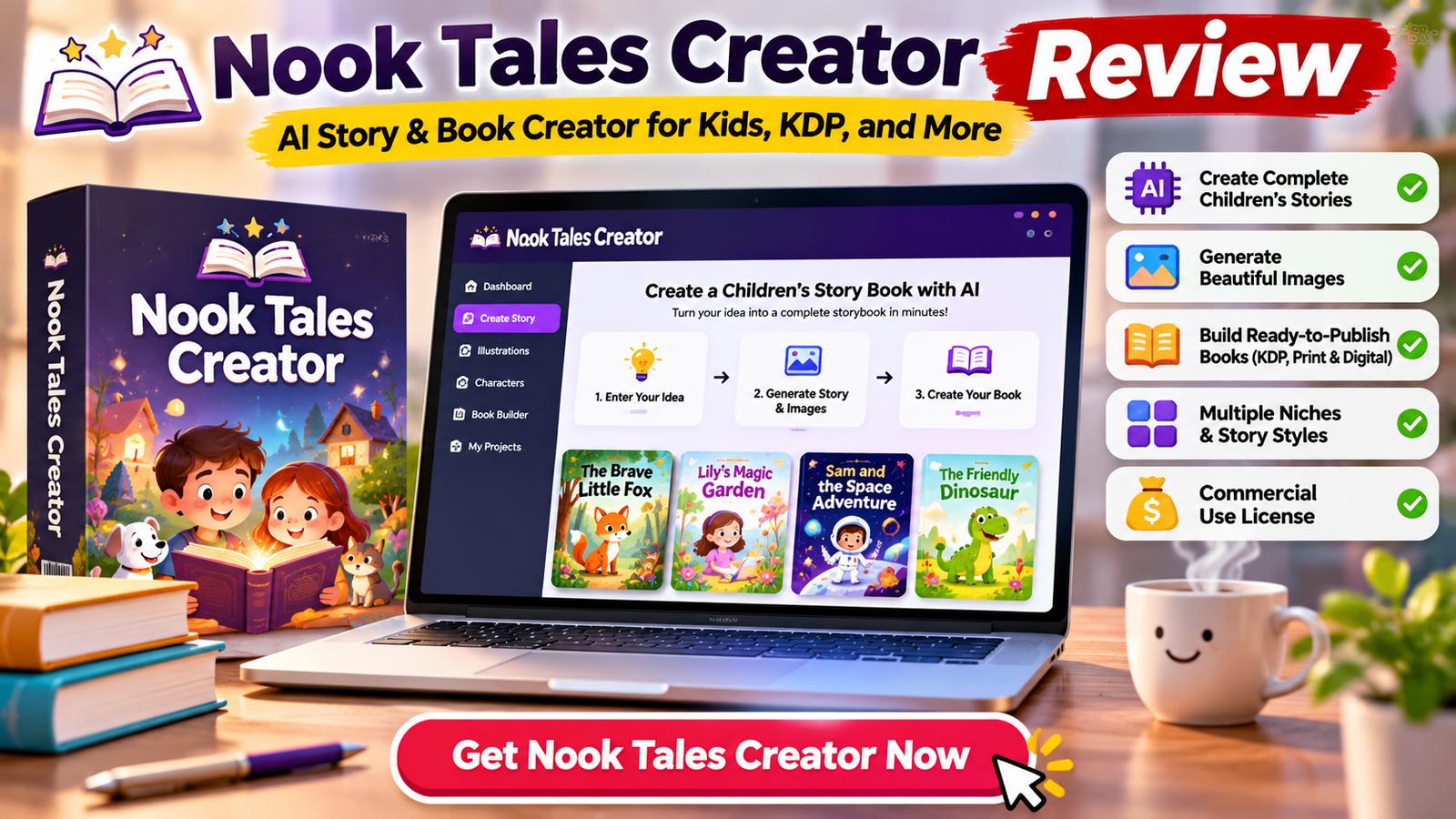
The product is described as preparing illustration prompts based on the story and its characters. That may save prompt-writing time for beginners. A useful prompt should specify the subject, action, setting, composition, style, and details that must remain consistent.
Do not assume a prompt automatically produces print-ready art. Inspect line clarity, artifacts, anatomy, repeated elements, backgrounds, and coloring space. If the output includes words, check spelling and legibility separately.
4. Book formats and page-count options
One third-party review reports page-count choices of 10, 12, 20, or 30 pages and mentions 8.5 × 11-inch and 8.5 × 8.5-inch formats. These could help plan a short activity book or a longer coloring project, but we could not verify these settings on the official checkout or inside the software.
Confirm exact dimensions, page-count rules, bleed, margins, and export formats. KDP cover dimensions depend on trim size, page count, paper, and bleed. Check the current KDP calculator and previewer rather than uploading a generic cover file.
5. Cover and listing preparation
Launch coverage also describes cover preparation and marketplace listing assistance for Amazon KDP and Etsy. This may include draft titles, descriptions, keywords, or tags. Treat these as starting points, not researched SEO recommendations. Validate keywords with buyer-language research, and make sure every listing accurately describes the files and product buyers receive.
6. Print preparation and quality control
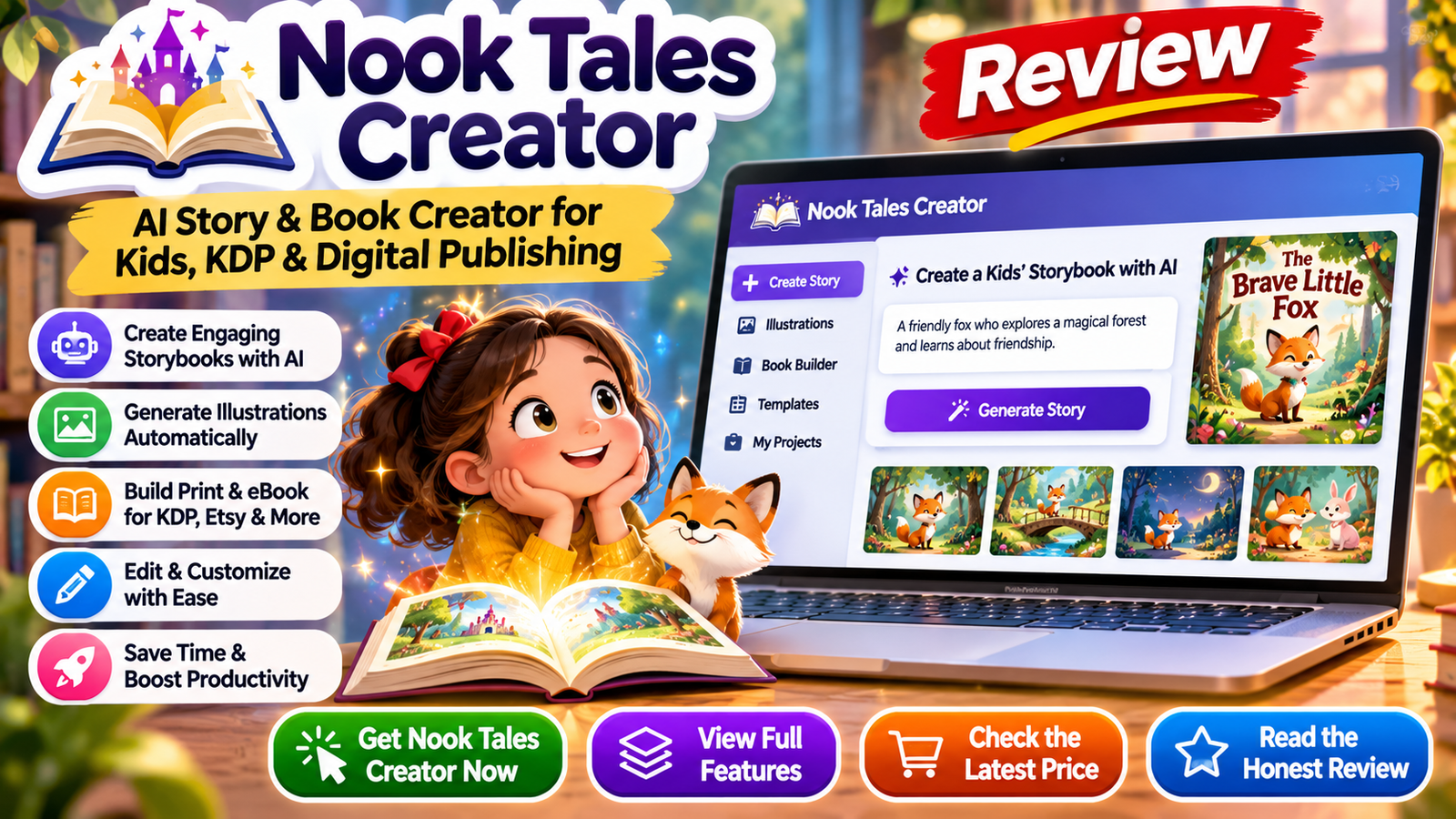
Third-party coverage mentions white-background coloring pages, safe margins, interior PDF preparation, full-wrap covers, and 300-DPI output preparation. A stated resolution does not prove that artwork has sufficient detail or that a PDF meets platform specifications. Check dimensions, image resolution at final print size, margin clearance, bleed, page order, cover spine calculation, and proof quality. For digital downloads, confirm that the PDF opens correctly on multiple devices.
How the Advertised Workflow May Work
The reported process has three broad stages. First, the user enters a short premise or selects a story idea. Second, the system proposes a blueprint containing the plot, characters, setting, and page direction. Third, the user generates or assembles illustrations and prepares book and listing materials. We have not verified the exact screens or steps inside the product.
- Start with a focused premise. Describe the main character, setting, problem, and reader age.
- Review the blueprint. Check plot logic, character details, clue sequence, vocabulary, and ending.
- Create and inspect artwork. Compare recurring characters and correct weak images.
- Assemble the book. Verify page order, trim size, margins, cover dimensions, and export quality.
- Prepare listings. Edit generated copy, research keywords, and check current marketplace requirements.
This should be understood as assistance, not a fully autonomous publishing operation. The creator still makes editorial decisions and handles final publishing.
Who Might Benefit—and Who Should Skip It?
- New coloring-book creators: A guided outline may make it easier to move from an idea to a planned sequence of pages.
- KDP publishers: Story and prompt planning may help develop a series, provided each interior and cover is checked against KDP requirements.
- Etsy digital sellers: A repeatable approach may help create and describe themed printable PDFs.
- Experienced illustrators: Structured prompts may help with planning, but users needing precise vector, layer, or page control may prefer dedicated design software.
It may not suit buyers who need a general-purpose design application, advanced manual illustration tools, or a system that completes every publishing task without review. It may also be a poor match for someone who does not plan to create children’s stories or coloring books. If you already have a reliable production process, compare the actual outputs with your current workflow before paying.
Pricing: What Is Known and What Needs Confirmation?
MunchEye lists a $17 front-end price for the November 20, 2026 WarriorPlus launch. A separate promotional review reports four optional upgrades: “350 More Ready-to-Use Mystery Cases” at $5, “Nook Color Picture Book” at $47, “Nook Commercial License” at $67, and “Nook Story Modes” at $27. These upgrade names and prices come from third-party promotional coverage, not an independently verified checkout. Availability and terms may change.
| Offer | Reported price | Note |
|---|---|---|
| Front-end Nook Tales Creator | $17 | Launch listing; verify checkout |
| 350 More Ready-to-Use Mystery Cases | $5 | Third-party report |
| Nook Color Picture Book | $47 | Contents unverified |
| Nook Commercial License | $67 | Read license terms |
| Nook Story Modes | $27 | Contents unverified |
If all five reported prices were still offered and purchased, their arithmetic total would be $163. This is not a confirmed current bundle price. Evaluate the core offer and optional upgrades separately. A beginner may prefer to test the base product first and only consider an add-on if it solves a real need.
Consider indirect costs too. Image generation may require a paid AI subscription or encounter usage limits. Publishing can involve proof copies, design tools, marketplace fees, and promotion. The $17 launch price should not be interpreted as the complete cost of running a publishing business.
Pros and Cons
Potential advantages
- Focused concept: A niche workflow may be easier to follow than unrelated prompts.
- Story-first planning: Planning the narrative before illustrations can improve continuity.
- Reusable character descriptions: Reference details may reduce some character drift.
- Prompt assistance: Guided scene prompts may help new AI creators.
- Publishing-oriented materials: Reported KDP and Etsy support could reduce repetitive preparation.
- Low reported entry price: The launch listing’s $17 price is modest if still available.
Potential drawbacks
- Official details are difficult to verify: The sales page could not be retrieved, so specifications rely on third-party materials.
- No independent hands-on test: We cannot confirm interface quality, ease of use, or time savings.
- Consistency is not guaranteed: Prompt guidance cannot ensure identical illustrations.
- Human editing remains essential: Story logic, spelling, images, and formatting need review.
- Upsells may increase spending: Optional upgrades are not automatically necessary.
- No income guarantee: A finished book does not guarantee visibility or sales.
Alternatives to Consider
Compare tools by the task you need to solve. ChatGPT can help brainstorm stories, outline pages, refine character descriptions, and draft listing copy; it offers flexibility but requires you to build and manage the workflow. Canva can help arrange pages, design covers, and create marketing graphics, but it is a design tool rather than a dedicated mystery-book system. Dedicated illustration tools may offer more direct control over artwork, while traditional page-layout software gives publishers detailed control over typography, margins, and print-ready exports. Nook Tales Creator’s appeal, if its advertised features are accurate, is the attempt to organize several story and publishing steps in one focused process.
Important Publishing and Licensing Checks
Before publishing AI-assisted books, read current platform policies. Amazon KDP requires publishers to identify AI-generated content during its content disclosure process. Review the latest KDP content guidelines and relevant AI disclosure instructions. Etsy also has rules for seller-designed items and AI-created content; check its Creativity Standards.
Do not assume a purchase automatically grants every commercial right. If a commercial license is offered, read the actual terms. Confirm whether it covers finished books, printable downloads, client work, redistribution, resale of source materials, and restrictions on prompts or software. These rights are not necessarily equivalent. Also check the terms of the AI service used to create images and retain copies of the relevant licenses and policies.
Frequently Asked Questions
What is Nook Tales Creator?
It is marketed as an AI-assisted workflow for developing story-based coloring books, with third-party coverage emphasizing cozy mystery books. Confirm exact features on the vendor’s live page.
Who is the vendor?
The MunchEye launch listing identifies Luckysmith89 as the vendor and WarriorPlus as the marketplace.
How much does it cost?
The launch listing reports a $17 front-end price. Check the current checkout because launch pricing can change.
Does it create a complete book automatically?
Promotional coverage describes assistance with story planning, illustration prompts, and publishing materials. We have not verified an end-to-end automated export, so do not assume editing or formatting work is unnecessary.
Can I use it for KDP or Etsy?
Third-party coverage describes KDP- and Etsy-oriented support. You remain responsible for checking platform policies, file specifications, listing accuracy, and required AI disclosures.
Does it guarantee sales or consistent characters?
No. Character prompts may help, but images need inspection. Sales depend on product quality, audience demand, competition, pricing, visibility, and marketing.
Our Verdict: Is Nook Tales Creator Worth Considering?
Nook Tales Creator has an appealing premise for a specific audience: people who want help planning and producing story-led coloring books. The reported combination of mystery structure, character references, illustration prompts, and marketplace preparation could make early production more organized. The launch listing’s $17 front-end price also makes the initial offer relatively accessible if that price remains available.
There are meaningful caveats. The official sales page could not be inspected directly, detailed features and upgrade prices rely on third-party promotional coverage, and we have not completed a hands-on test. We therefore cannot rate its interface, output quality, or time-saving performance as proven. Verify the live demonstration, included files, usage requirements, license, refund terms, and checkout total before deciding.
Our practical recommendation is cautious: consider the base offer only if you genuinely want to create children’s story or cozy mystery coloring books and are prepared to edit and quality-check every output. Do not buy optional upgrades simply because they appear in a funnel. If the product does not solve a real problem in your workflow, general AI tools combined with a layout application may be more flexible.
Explore the Nook Tales Offer Check Access and Details
Affiliate Disclosure: This article contains an affiliate link. If you purchase through the link, Top10ReviewPoint may earn a commission at no additional cost to you. This may influence which products we choose to feature, but it does not change our commitment to providing clear, honest information. Verify product features, pricing, guarantees, and upgrade details on the vendor’s current checkout page before purchase.